Dave Clarke
Senior Product Manager, SquaredUp
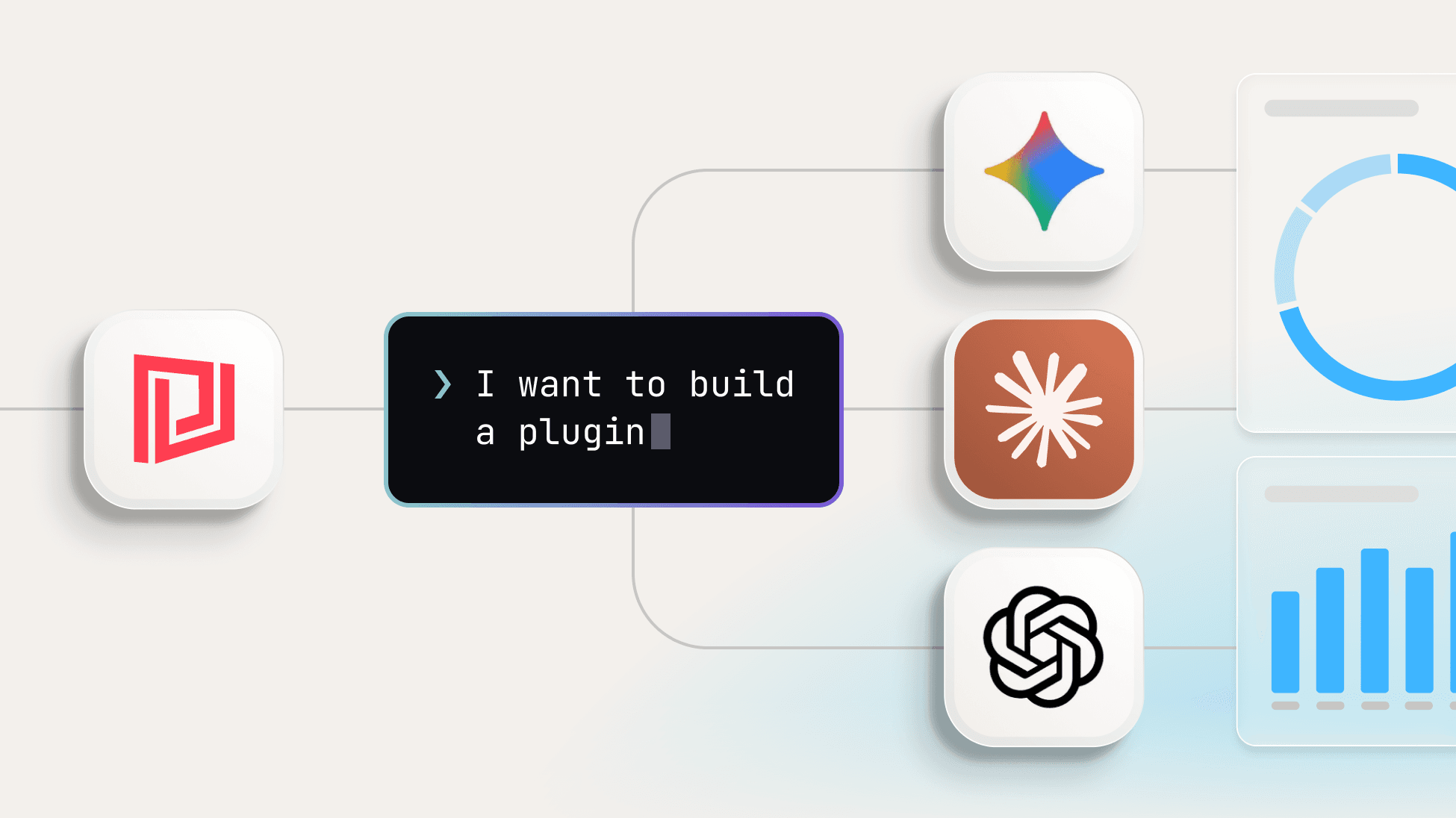
Give an AI assistant a single instruction and the LCP AI toolkit does the rest. Point it at any REST API and it plans, builds, deploys, and tests a complete plugin — object indexing, live data streams, and ready-made dashboards. It's available now.
When we introduced the Low Code Plugin (LCP) framework in February, the premise was simple: if a system has an API, you should be able to build a plugin for it — quickly, with minimal code, and in a way you can share with the community. The "AI-ready" part was deliberate. The framework was designed to work naturally with AI assistants, so the path from idea to working integration would be as short as possible.
That design decision is now paying off. Since LCP launched we've released more integrations in a few months than in the previous two years, passing 100 integrations along the way. Much of that pace comes from building with AI internally. Today we're putting the same tooling in your hands.
The LCP AI toolkit is a CLI and a set of agent skills that let you build, deploy, and share SquaredUp plugins with an AI assistant. It runs in Claude Code (or other LLMs) and centres on one skill, build-plugin, that teaches Claude how the LCP framework works.
You give it an API. It explores the endpoints, plans the plugin with you, scaffolds the files, deploys early and tests every data stream against your live tenant before the plugin is considered finished. What you get at the end is a connected data source with objects indexed in the graph and dashboards ready to use.
In our internal builds, going from an initial prompt to a fully integrated data source has taken as little as an hour.
No matter how fast we build, we'll never integrate with every tool. There are too many, new ones appear constantly, and some are too niche to ever reach the top of our roadmap. Until now, an unsupported tool meant either waiting for us or building it yourself with the Web API plugin — a flexible option, but one that asks you to map out endpoints, authentication, and paging by hand.
The toolkit removes that work. Point it at any REST API — a market-leading platform or an internal tool only your team uses — and you get a working, dashboard-ready integration out the other side. It's how we reach the long tail of tools teams actually rely on, and it's how we get from 100 integrations toward the next thousand.
The skill runs in Claude Code and works through the build in phases, deploying to your tenant along the way so nothing is assumed — every data stream is tested against live data before the plugin is finished. Most of it runs on its own. You stay in control at the points that matter: supplying the API documentation, approving the plan before any files are written, and authenticating the plugin in your tenant. From there it handles the object indexing, data streams, and out-of-the-box dashboards. No plugin code written by hand.
You'll need Node.js, the SquaredUp CLI, Claude Code (or other coding assistant), and a SquaredUp organization where you can add and authenticate a data source — plus API access to whatever you're building for. From there you can get started with a single prompt. The full guide walks through setup, both installation routes, and how to get the best results.
Community plugins live in the public plugins repository, and sharing what you've built is straightforward — a branch, a commit, and a pull request. Once merged, your plugin joins the directory and other teams can use it!
The toolkit is one part of a broader push to bring AI into every corner of SquaredUp — from SmartViz and SmartInsights to Correlation Engine v2 and the SquaredUp MCP server. We'll be showing it all at SquaredUp Live on October 7th.
For now: point the toolkit at an API and see what you can build. The full guide is at docs.squaredup.com, and you can sign up free at squaredup.com.
Senior Product Manager, SquaredUp