It's free and easy to get started
Sign up for a free account and get visibility in minutes
Free sign-up100+ ready-to-use integrationsEasy to learn dashboard designerOne-click sharing
Sign up for a free account and get visibility in minutes

Grafana is an open source tool widely used by DevOps teams for dashboarding key metrics and data related to their applications and services.
However, as your usage of Grafana grows, you might find rolling up status from multiple applications or different DevOps teams challenging. And typically, your Grafana dashboards are too low-level to share with your manager or Executive team.
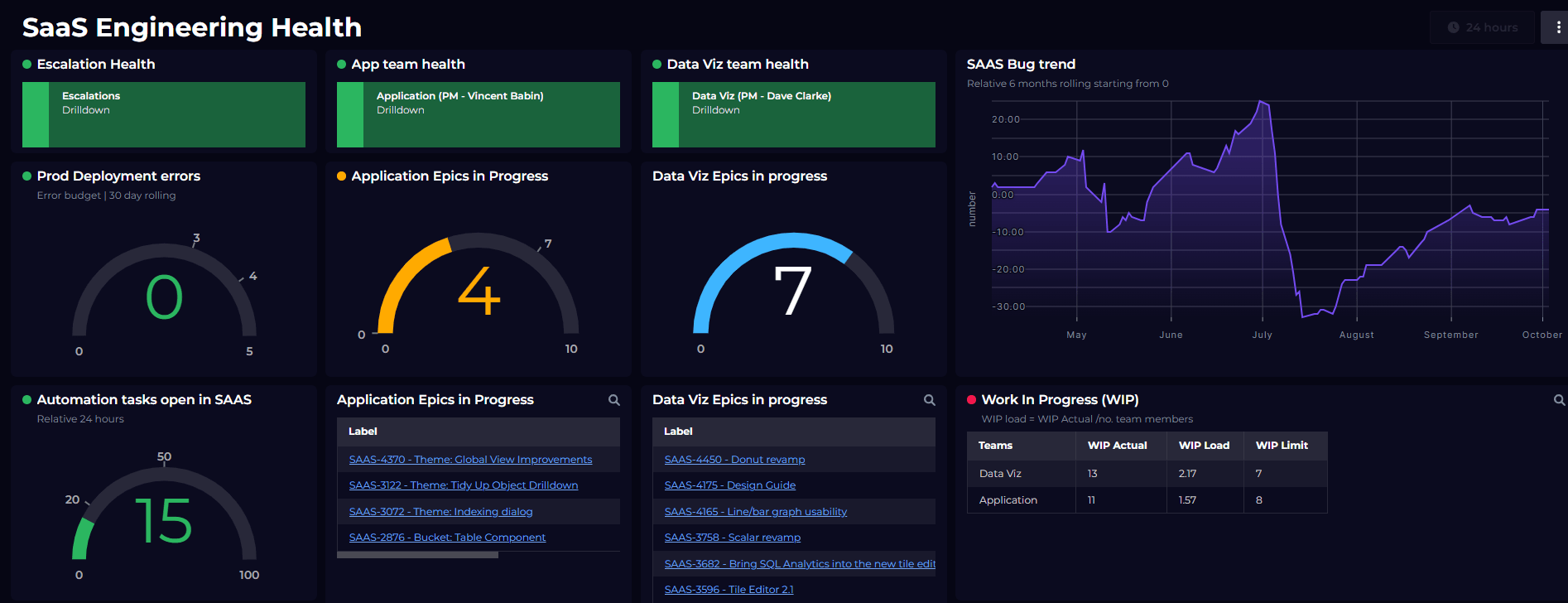
For that management audience, you’ll want to deliver high-level health rollup and statusat a glance, as opposed to lower-level observability data.
SquaredUp’s observability portal models the relationships between your services and rolls up their health to a simple red/green dashboard that's suitable for an executive-level view.
Using the power of this connected knowledge graph, there are a few ways you can aggregate and roll up data from Grafana inside SquaredUp:
Creating an account and getting started with SquaredUp is simple. Just head over to app.squaredup.com to get started for free.
Once you’ve created and verified your account, you’ll be able to quickly plug into your Grafana instance and start dashboarding! Let’s walk through this process.
To connect SquaredUp to Grafana we simply use a Grafana API key with read-only (Viewer) access — this allows SquaredUp to read the dashboards, their health status and any alert rules.
Next, we’ll setup the Grafana plugin within SquaredUp. This is as simple as pasting in the API key you noted down earlier.
Now that you’ve connected to Grafana, you’ll want to start organizing your dashboards into what SquaredUp calls Workspaces. A workspace might represent a single application, service, team or platform — it’s up to you. In this example, we’re going to create a workspace for each microservice that makes up our application.
Now that you’ve created your dashboards, you’ll want to enable monitoring. Monitoring powers the health rollup between your dashboards and workspaces.
Having created workspaces for each of your services, you can now create a top-level workspace to show the status for each service.
While rolling up the health state from your low-level Grafana dashboard might make your boss happy, we could take this even further using KPIs. In SquaredUp, KPIs can be published by each workspace, e.g. each individual surface, and then aggregated at the higher level.
For example, for each service we could publish a cost per service and then sum them up to provide a total cost. Or perhaps we'd like to publish a count of Alert rules that are failing. Let’s look at that:
Getting that rollup running is a great start, but it’s just that… a start. Here are a few other things you could try:
Good luck, and happy dashboarding!